Portfolio
Home · Portfolio

Goal
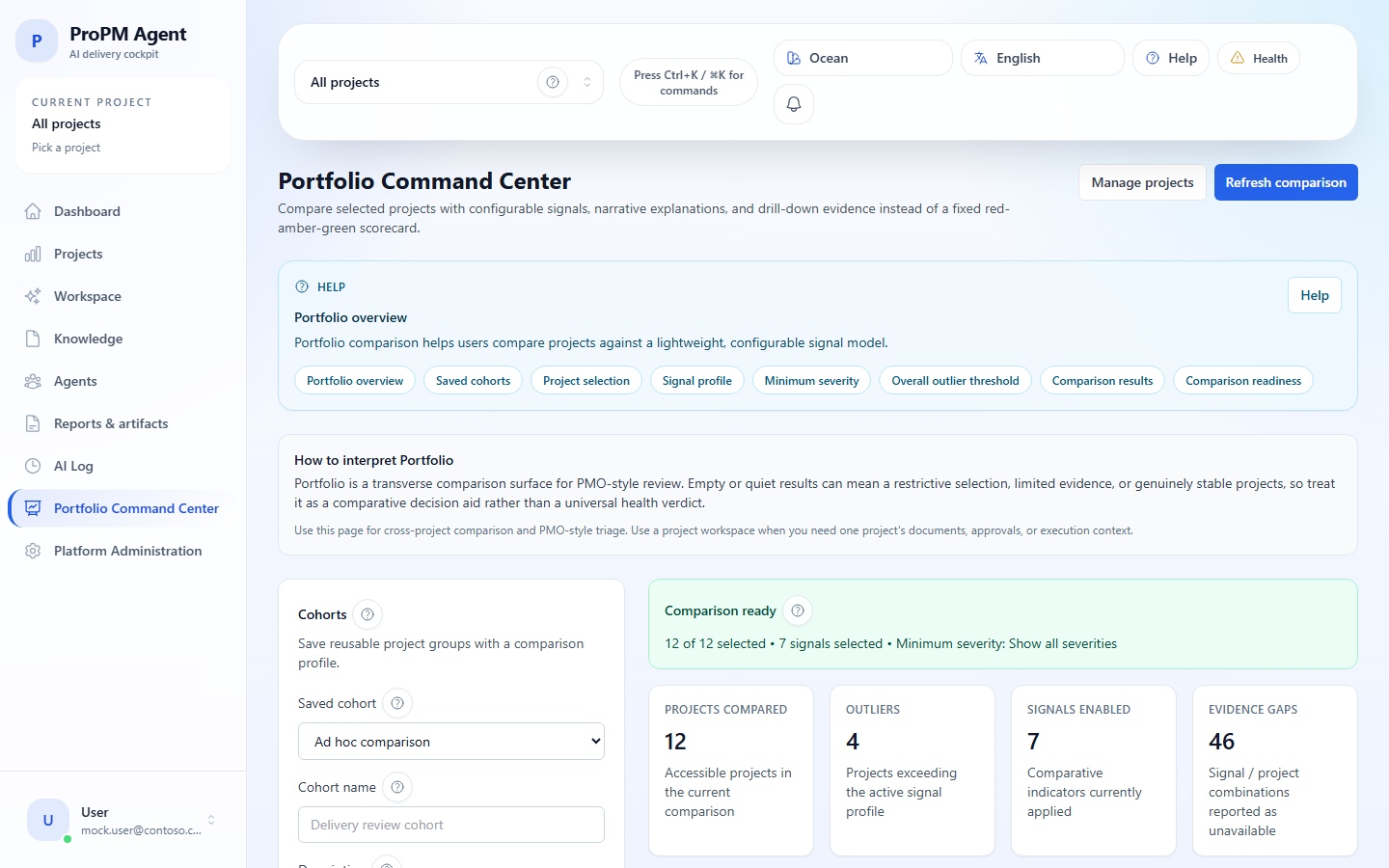
Portfolio helps PMOs compare several projects with the same signals and identify which projects deserve priority analysis.
Keywords
| Term | Meaning |
|---|---|
Projects | Projects selected for comparison |
Signal profile | Signals, weights, thresholds and minimum severity |
Overall outlier threshold | Global threshold for a project to stand out |
Refresh comparison | Recalculates the view with current settings |
Reset defaults | Restores default profile values |
| Cohort | Saved comparison configuration |
| Snapshot | Timestamped comparison result |
Select projects
- Open Portfolio.
- Select projects in Projects.
- Use Select all if all accessible projects are relevant.
- Use Clear all to start over.
- Verify the selected projects share the same review objective.
Tune signal profile
- Open Signal profile.
- Enable only useful signals.
- Set weights and thresholds.
- Choose minimum severity.
- Set Overall outlier threshold.
- Run Refresh comparison.
Manage cohorts
| Action | Steps |
|---|---|
| Create | Select projects, tune signals, name the cohort and save |
| Modify | Load, adjust projects or signals, save again |
| Delete | Open the cohort and use delete if available |
| Reload | Select the saved cohort and run Refresh comparison |
Read an outlier
An outlier is a project that stands out under the active weights, thresholds and signals. It is not an automatic verdict. Open the project detail, read the contributing signals, then continue to Dashboard, Signals, Knowledge or AI Log.
Evidence gaps
Unavailable signals do not mean no risk. They indicate missing or insufficient evidence and should trigger verification.