Dashboard
Home · Dashboard

Goal
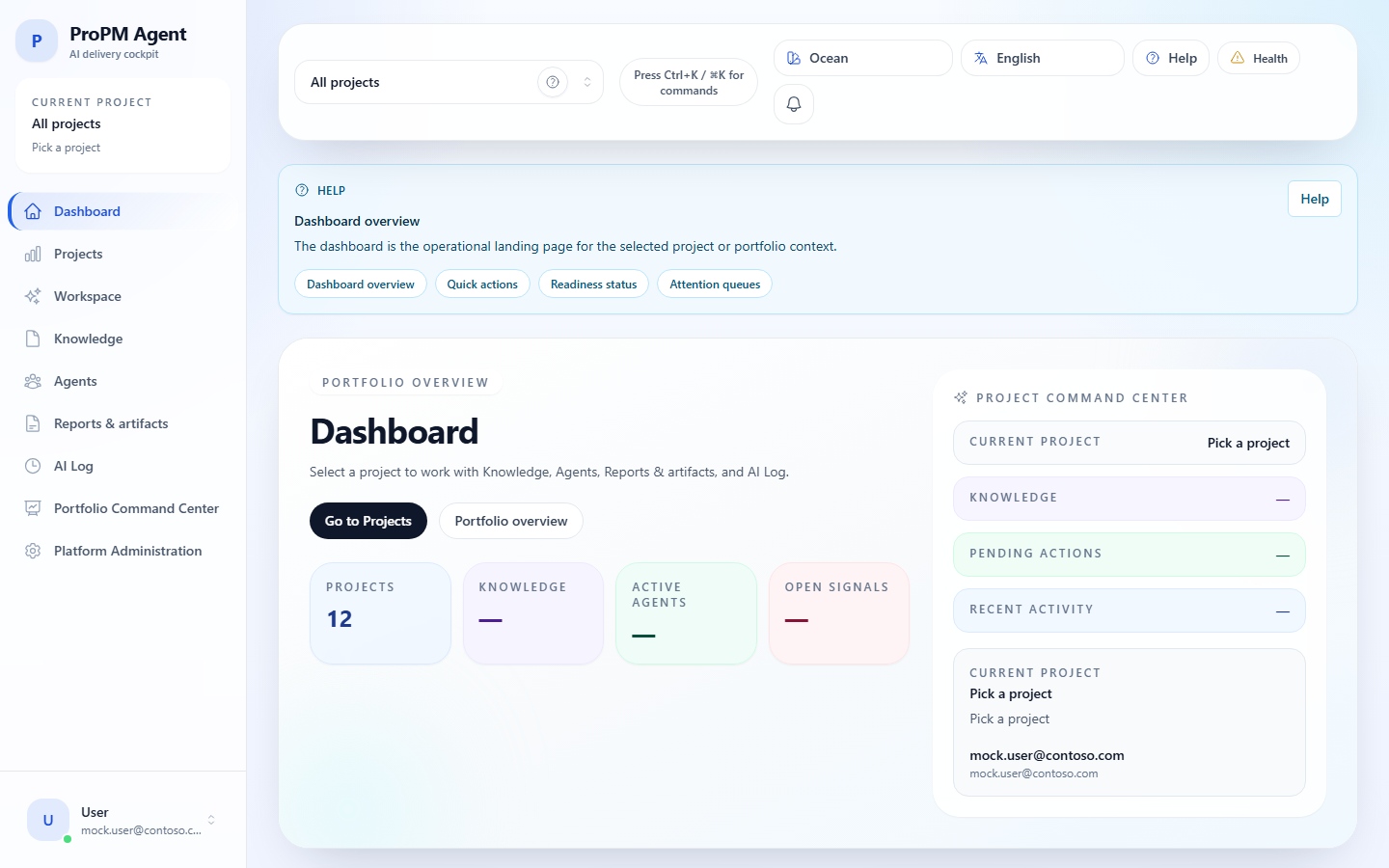
The dashboard summarizes the active project: recent activity, knowledge, agents, PM Documents, signals, actions and shortcuts.
Before you start
- You are signed in to ProPM Agent.
- An active project is selected, unless you are intentionally reading the empty state.
- Your role gives access to the project.
Read the dashboard
- Open Dashboard.
- Verify the active project in the top bar.
- Read the summary cards for agents, documents, runs, PM Documents, signals and actions.
- Review recent activity.
- Use shortcuts to Workspace, Knowledge, Agents, PM Docs or AI Log.
Empty states
| State | Meaning | Recommended action |
|---|---|---|
| No active project | Project pages have no context | Select a project or open Active project |
| No project available | Your account has no project access | Ask a Project Owner to add you |
| Access denied | You are signed in but not authorized | Ask for the right role |
Common issues
| Symptom | Likely cause | Recommended action |
|---|---|---|
| Dashboard is empty | No active project or insufficient role | Select a project and verify your role |
| Numbers look stale | Data is still processing | Open the related page and refresh later |
| Card is visible but disabled | Missing permission | Ask the Project Owner |
| Global error | API health or provider issue | Open Support, audit and diagnostics |