AI Log
Home · AI Log
Goal
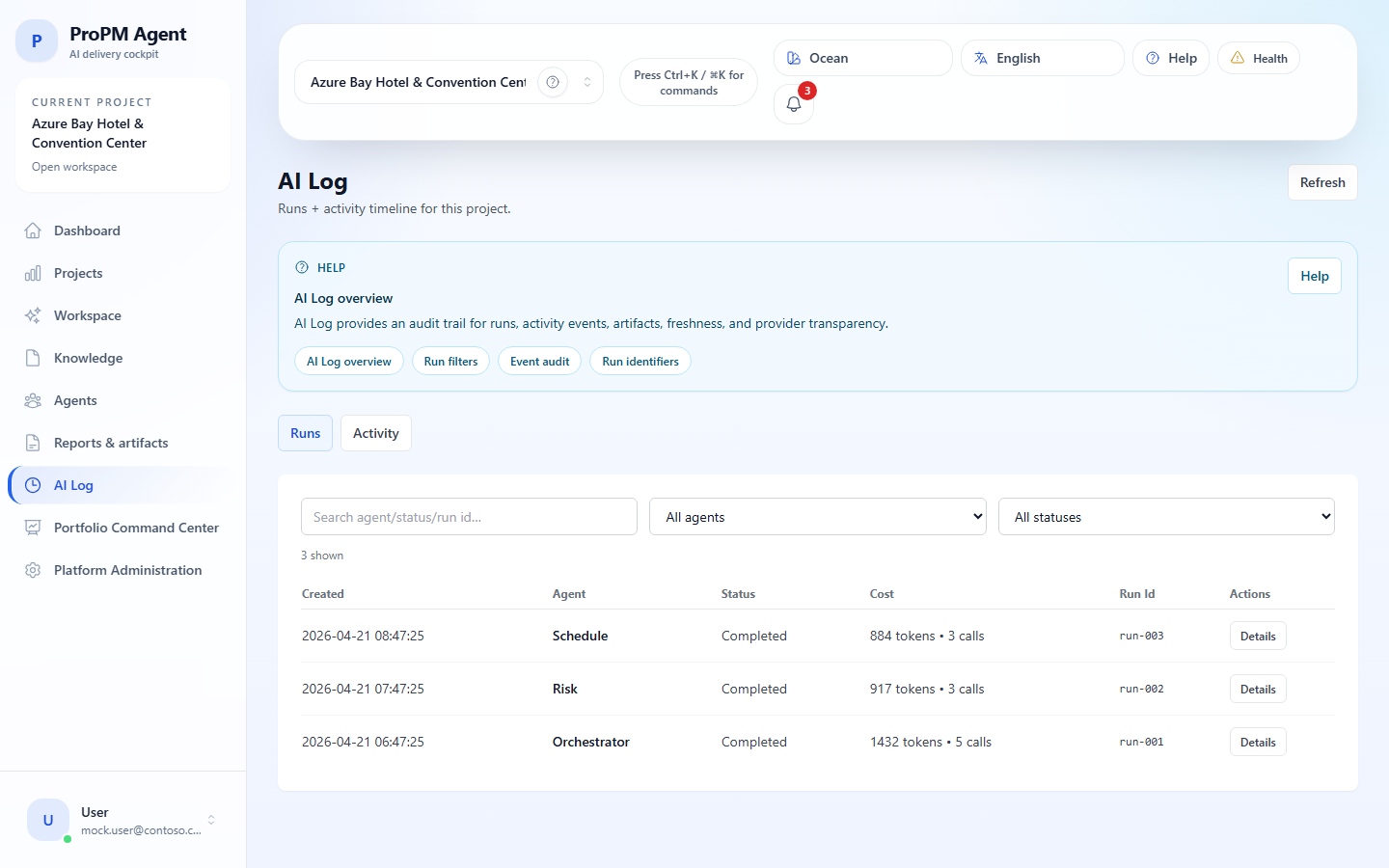
AI Log shows what happened during an execution: run, activity, effective provider, timestamp, user, project, status and support identifiers.
Find a run
- Open AI Log.
- Select Runs.
- Filter by project, status, agent, user or period when available.
- Open the run.
- Check status, time, effective provider and links to artifacts or PM Documents.
Verify the effective provider
- Open the run details.
- Find Effective AI Provider or its equivalent.
- Compare it with the expected provider.
- Note any discrepancy.
- If it repeats, ask an administrator to check AI provider.
Selected vs effective provider
| Term | Meaning |
|---|---|
| Deployment-selected provider | Initial Marketplace choice |
| Configured provider | Current platform administration setting |
| Effective AI provider | Provider actually used by a given run |
Support guidance
Collect Run ID, Trace ID, Artifact ID or Context snapshot ID when visible. Do not copy full sensitive payloads unless support asks for a targeted extract.